Rental photos from a shared folder, without letting AI renders slip out
How we publish listing photos from a folder where originals, edits and AI images sit side by side: ordering, exclusions, contact sheets and a cap of 40 photos.
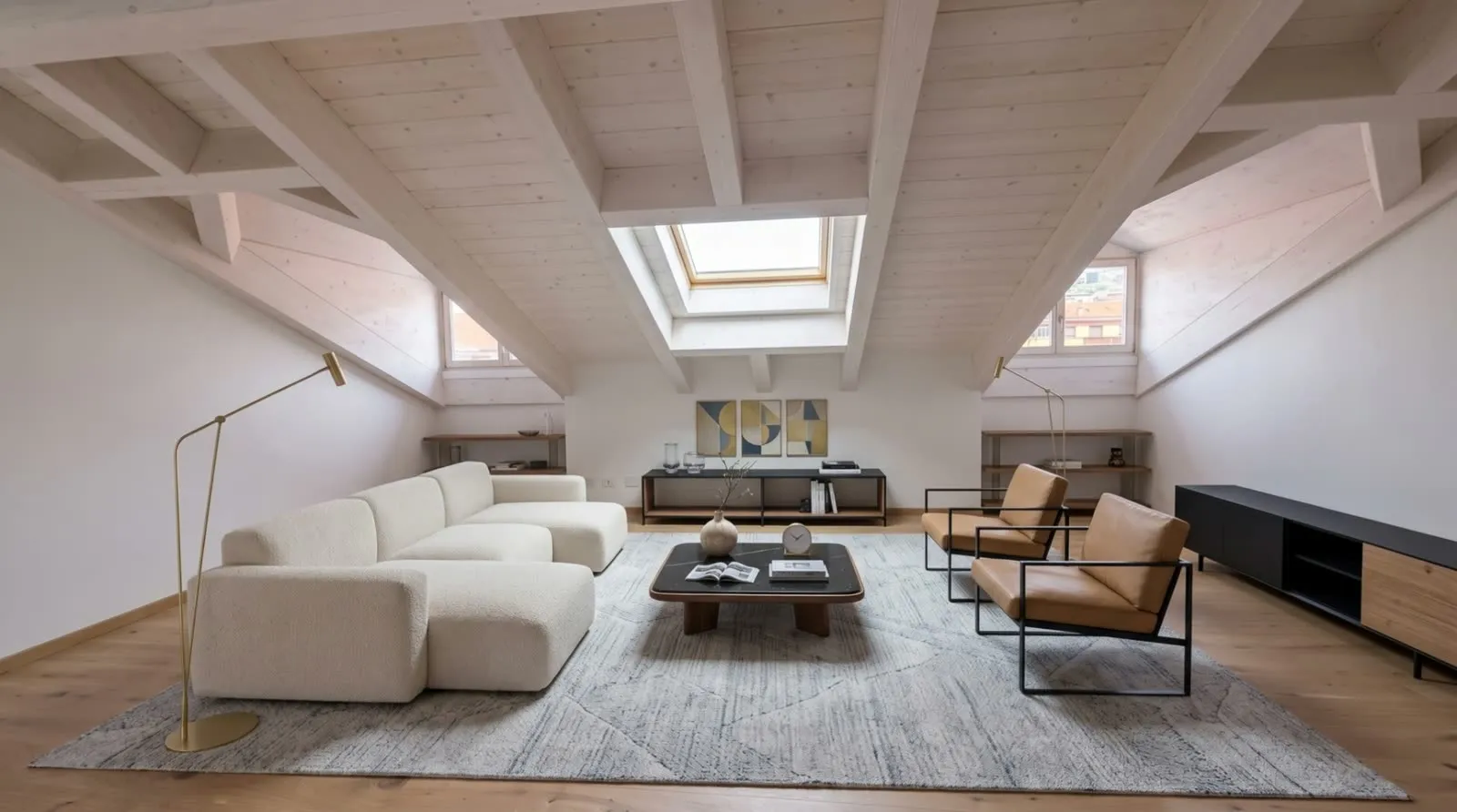
 AI · immagine generata
The photos of the homes we let don't arrive in any kind of order. They land in a shared folder where, over time, everything piles up: the originals taken on site, the versions with the light and colour corrected, and images generated with AI. Those last ones have their place. We use them to think through a furnishing scheme, to picture a room differently, to talk things over among ourselves. They have no place in a rental listing, where the people looking have every right to see the home as it really is.
The trouble is that in the folder they all sit right next to each other. In a grid of thumbnails, a well-made generated image and a retouched photo can look more alike than we'd like. And the folder is useful precisely because several people work in it: that keeps it alive, but it also keeps it messy.
When we built the tool that takes the photos and puts them on the listing, the first question wasn't "how do we upload faster". It was: how do we stop something going online that shouldn't. Everything else followed from that.
Edits first, then originals
The first rule is about order. The tool publishes the edited versions first, the ones where light and colour have been corrected, and only afterwards the originals.
The reason is practical. The retouched versions are the ones someone has already looked at carefully and judged worth showing: they're the best of the material, and they belong at the top, where the eye of someone house-hunting lands first. The originals come after and fill in the picture: a corner that wasn't retouched, a detail, a secondary room.
It isn't an aesthetic rule, it's a rule about priority. If there's a limit on the number of photos, and there is, we want the ones left out to be the less polished images, not the best ones.
The prefix that excludes
The second rule is the one that matters most. AI-generated files carry a prefix in their name, and the tool excludes them automatically. It doesn't show them, doesn't suggest them, doesn't upload them. As far as it's concerned, they simply don't exist.
We chose to rely on the file name for this distinction, rather than on people's memory, for a simple reason: memory gets tired, a file name doesn't. Someone opening the folder in a hurry, perhaps weeks after the images were produced, shouldn't have to remember which sitting room is real and which was imagined. The name says so, and the machine always reads it the same way.
This moves the weak point rather than removing it, though. The rule works as long as AI files are named properly. A generated image saved without the prefix, through a moment's inattention, is to the tool a photo like any other. We know that, and it's exactly why we didn't stop there.
Contact sheets: a person looks at the whole set
Before uploading, the tool shows contact sheets: every image it's about to publish, in order, side by side. A person looks at them as a whole before they go online.
It's a step that sounds slow and turns out to be the quickest of the lot. Glancing at a grid takes very little, and the human eye picks up instantly what a naming rule can't: an image that's too perfect, a room that doesn't add up, a piece of furniture that isn't in that home. The prefix does the heavy lifting; the contact sheets catch what slips past it.
There's a second, less obvious benefit too. Whoever reviews the contact sheets sees the listing as a house-hunter will: a sequence, not a folder. You notice a duplicate photo, an order that doesn't hold together, a missing room. These are things you don't spot file by file.
Our approach is this: automation prepares, a person decides. We don't want a tool that publishes on its own the moment it finds something new in the folder. We want a tool that does the tedious work and then stops, waiting for a yes.
A cap of 40 photos
Each listing has a maximum of 40 photos. Beyond that, viewers get lost: they scroll, they tire, they stop understanding how the home is laid out. And the pages get heavy and load more slowly, especially on a phone.
The cap works hand in hand with the ordering. Because the edits come first, if the available images exceed the limit, the ones left out are originals. That's the behaviour we want: less material, but the best of it up front.
A limit like this also has an educational effect on us. Knowing the space is finite forces us to choose, rather than pouring everything in the folder into the listing.
Publishing isn't uploading
The last thing we had to get clear in our heads is that, in our system, publishing the photos sets the listing to active. It isn't just uploading files to a staging area: it's the action that makes the listing visible.
That's why we treat that button with respect. If uploading were neutral, a mistake could be fixed at leisure. But if the same action switches the listing on, a wrong image doesn't stay in a folder: it's right in front of people looking for a home. It's also why the contact sheets come before the button rather than after, and why excluding AI files isn't an option you switch on but the default behaviour.
What we're taking away
To sum up, the workflow rests on four choices that hold each other up:
- order: retouched versions first, then the originals;
- exclusion: AI files, recognised by the prefix in their name, never get in;
- review: a person looks at the contact sheets before anything goes online;
- restraint: no more than 40 photos per listing.
None of these is enough on its own. The prefix depends on whoever names the files, the contact sheets depend on whoever reviews them, and the order only matters if there's a limit. Put together, though, they make it hard to commit the mistake that worried us most: showing people looking for a home a home that doesn't exist.
The shared folder is still messy, and that's fine: it's a workspace. What we've learnt is that order shouldn't be demanded of the folder; it has to be built into the step between the folder and the listing. That's where you need a clear rule, and a pair of eyes.